LMS SERVICES
We Can Help You With:
Teachers go to many websites trying to make an interactive fun class for their students.
With our dashboard, teachers will be able to do everything in only one place.
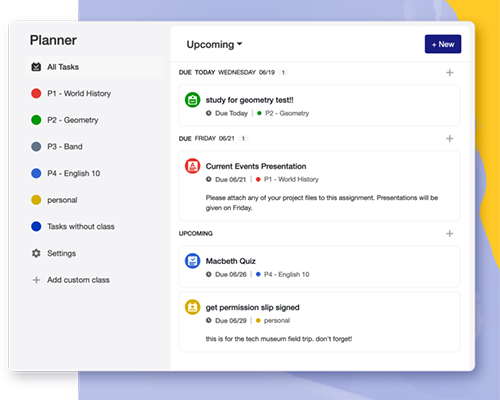
- Create Lessons
- Create Quizzes
- Grade Quizzes and Assignments
- Connect to Their Students
In our dashboard, schools, universities, and teachers are able to create as many classes as they desire.
You can have a class photo with all students to make it seem more fun.
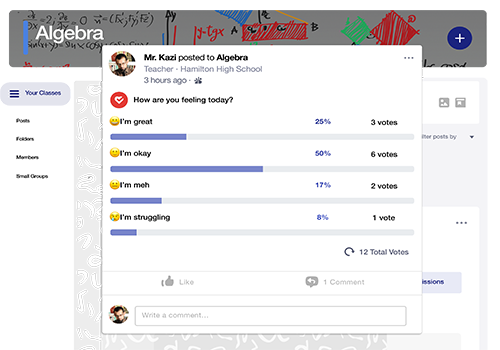
You can connect to your students easily and effectively through posts, emails, and chatting.
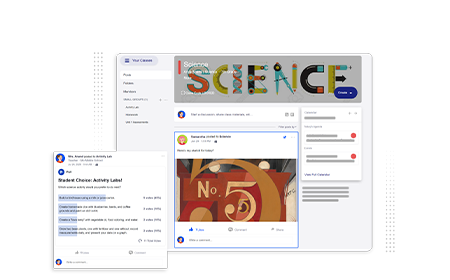
Our method of creating lessons is peerless, as teachers can add various elements in one page.
Teachers can add texts, videos, audios, images, and even check-understading questions to their lessons.
We added the auto-save feature so teachers don't lose their work in case the internet is disconnected.
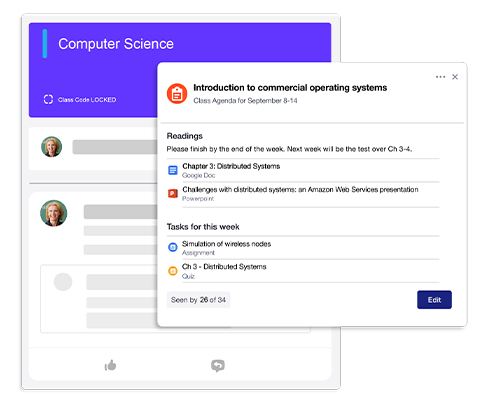
Why is it so useful?
- Add Text
- Add Videos
- Add images
- Add Questions
You can get back to your lessons any time.
You can search for any lesson.
you can assign lessons to all the class and to specific students.
Some teachers teaching different grades and they sometimes need the same content but with some adjustments.
Duplicating the lesson is added to your tools as you can adjust the same lesson and assign it to other classes without starting a new brand lesson.
This feature will save lots of time and efforts.
You can assign the lesson to one or more classes, and also to specific students.
You can assign a specific quiz to that particular lesson, so students take the quiz after studying the lesson.
You can put a deadline to the lesson and your students will be informed.
You can create quizzes with all different types of questions: MCQs, feee answer, matching, video questions, audio questions, and even student recording questions.
You can determine the correct answer/s and activate the auto-correction feature, which will make your life easier.
Students' grades are automatically transferred to the grading sheet.
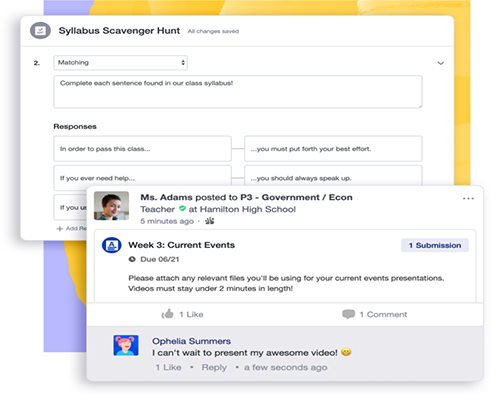
YoYou can get back to your quizzes any time.
You can search for any quiz.
you can assign quizzes to all the class and to specific students.
Some teachers teaching different grades and they sometimes need the same content but with some adjustments.
Duplicating the quiz is added to your tools as you can adjust the same quiz and assign it to other classes without starting a new brand quiz.
This feature will save lots of time and efforts.
You can assign the quiz to one or more classes, and also to specific students.
You can assign a specific quiz at a scheduled time in the future.
You can put a deadline to the quiz and your students will be informed.
One of the best services of the dashboard is making students be in the loop.
Students can study their lessons and take timed quizzes on the dashbord effectively.
Students can communicate with their teachers anytime and get all the updats.
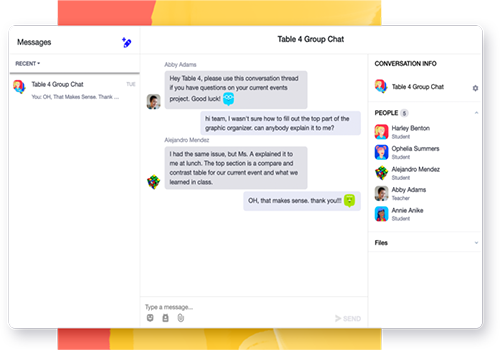
- Study Lessons
- Take Quizzes
- Communicate
Students can get back to any lesson any time in their organized library.
Lesson are organized by subjects, date posted, and finished or not.
Students can read and download their assignments on the dashboard.
Students can respond to the assignments by uploading files, videos, images, and audios.
Students can see the assignment deadline to be able to finish their work on time.
Students can receive and track their grades on quizzes, assignments, behavior, and other elements.
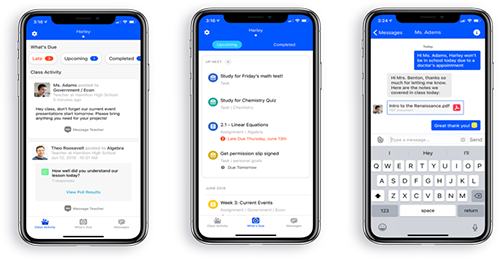
One of the best things about our dashboard is that it is totally responsive and works on any device.
You can connect to your class and update information anytime anywhere.
Whether you are using a tablet, a phone, a laptop, or a PC you will be able to process your work easily.
Communication between teachers and students make the magnificent results.
Meaningful communication creates a lovely bond between the students and their teachers.